
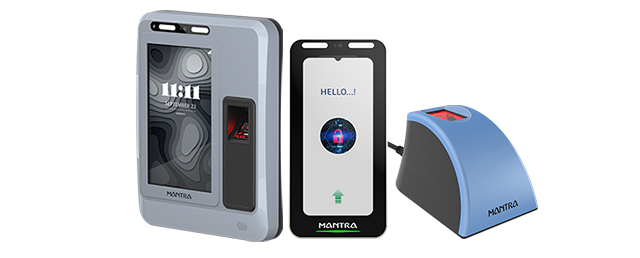
Fingerprint, Iris & Multi-Modal Devices
Mivanta supplies Aadhaar biometric scanners from Mantra to dealers, system integrators, CSP and banking-correspondent networks, enterprises and government project teams across India. Choose from fingerprint scanners, iris scanners and Aadhaar biometric devices, then request a bulk quote with your quantity and delivery city.
Mivanta India Private Limited is a B2B distribution platform and a venture by Mantra Softech. We help you match the right device to your application, and we back every order with technical support and an RMA process.
Request a Quote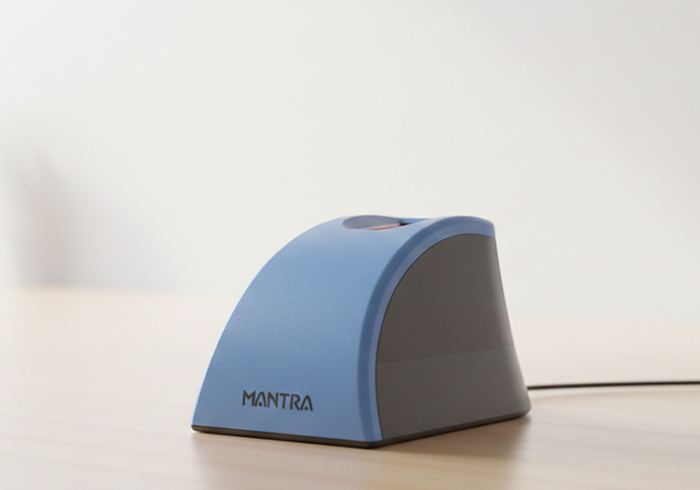









Advanced Biometric Scanners for Secure and Seamless Identity Verification
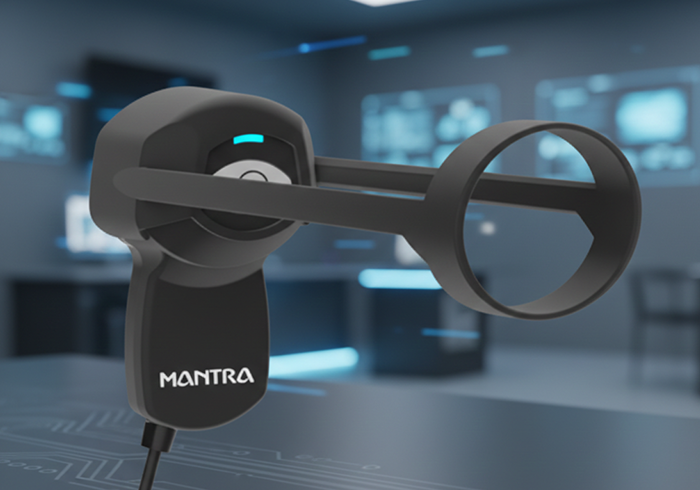
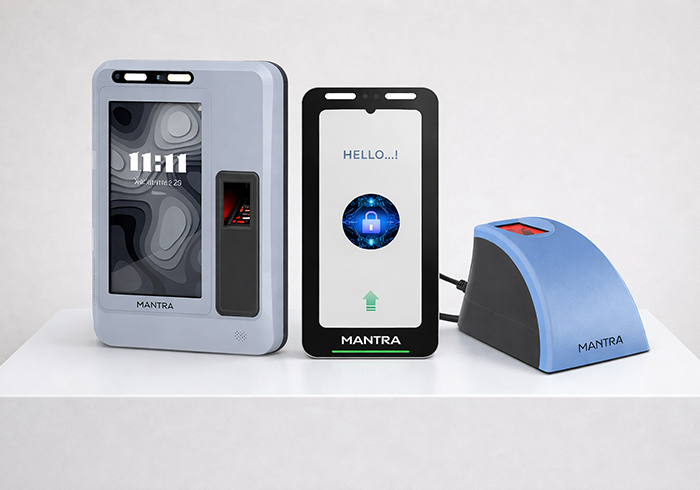
Mivanta offers robust, reliable, and accurate biometric fingerprint & IRIS scanners for a wide range of applications ranging from identification, enrollment, time attendance, and access control. These scanners are equipped with advanced algorithms and fast recognition capabilities, ensuring seamless performance in both high-traffic and secure environments. Ideal for government, corporate, and institutional use, they help enhance security while simplifying identity verification processes.
What to check before you buy
1. UIDAI-registered device and STQC certification UIDAI accepts authentication only from registered devices. Biometric devices are certified by STQC under MeitY for the Biometric Devices Certification Scheme. Ask for the model's registration and certification status for your use case.
2. L0 or L1 An L1 device signs and encrypts the biometric inside the device's secure environment, while an L0 device does that on the host computer. UIDAI stopped whitelisting new L0 devices on 1 October 2024 and extended the L0 fingerprint sunset to 30 June 2025, so new fingerprint purchases for Aadhaar authentication should be L1.
3. RD Service A registered device works through its RD Service on the host. The service is tied to the device's serial number and must be installed and kept current. Confirm your application supports it.
4. Operating system and connection Check Windows, Linux or Android support and the connector type against the machines you will deploy on.
5. Form factor and environment Counter, desktop or portable use, indoor or outdoor, shared or single-operator.
6. Volume and support Confirm lead time, delivery city, warranty handling and who supports the RD Service after purchase.
Where Aadhaar biometric scanners are used
- Banking and eKYC: customer onboarding and authentication at banking correspondents and fintech agents, including AePS.
- CSC and government service centres: Aadhaar-based services delivered at citizen service points.
- Attendance under AEBAS: government office attendance that authenticates against Aadhaar.
- Pensioner life certificates: Jeevan Pramaan authentication.
- Workstation login and enterprise verification: Aadhaar-based identity checks inside applications.
A biometric device alone does not make an application Aadhaar-compliant. The application, the RD Service and the authentication agency (AUA/KUA) arrangement must also be in place.
Aadhaar scanners vs attendance and access-control terminals
Aadhaar scanners authenticate a person against the UIDAI database through an approved application. Time-attendance and access-control terminals manage who enters a site and when, using templates stored on the device or your own system. If you need to record staff attendance or control doors, see our Time Attendance & Access Control systems, including fingerprint devices and face recognition devices.
Why buy through Mivanta
- A venture by Mantra Softech, with direct access to Mantra's range.
- A PAN India B2B distribution network serving dealers and integrators.
- Help matching the device to your application before you order.
- Technical support and an RMA process for installed devices.
Tell us the device type, quantity, delivery city and your application. Our team will reply with availability and next steps.
Request a QuoteFrequently Asked Questions
An Aadhaar biometric scanner captures a person's fingerprint or iris so an application can authenticate them against the Aadhaar database. Typical uses are eKYC, banking-correspondent and AePS services, CSC and government service centres, AEBAS attendance and Jeevan Pramaan life certificates.
Fingerprint scanners are compact and the usual choice for high-volume counters. Iris scanners help when fingerprints are worn, faint or hard to capture, and some deployments use both. Pick based on the people you will authenticate and the application you run.
On an L1 device the biometric is signed and encrypted inside the device's secure environment. On an L0 device that happens on the host computer. UIDAI stopped whitelisting new L0 devices on 1 October 2024, so new fingerprint purchases for Aadhaar authentication should be L1.
RD Service is the software that lets a UIDAI-registered biometric device work with an application. It is tied to the device's serial number and has to be installed and kept current on the host. Check that your application supports it before you buy.
Start with the application and the people being authenticated, then check UIDAI registration and STQC certification, L0 or L1, RD Service support, operating system and connection, and the form factor you need. Share your use case with Mivanta and we will help you shortlist.
It can authenticate a person for Aadhaar-based attendance such as AEBAS, but only through an application built for that purpose. For general staff attendance or door access, a dedicated terminal is usually the better fit. See Mivanta's Time Attendance & Access Control systems.
The MFS110 fingerprint scanner supports Windows and Android, and the MIS100 V2 iris scanner is listed for Windows, Linux and Android. Always confirm the current driver and RD Service support on the product page or with Mivanta before ordering.
Send an enquiry through the contact page with the device type, quantity, delivery city and your application. Our team will reply with availability and next steps.
